Actions
Coordinate every next step of the patient journey
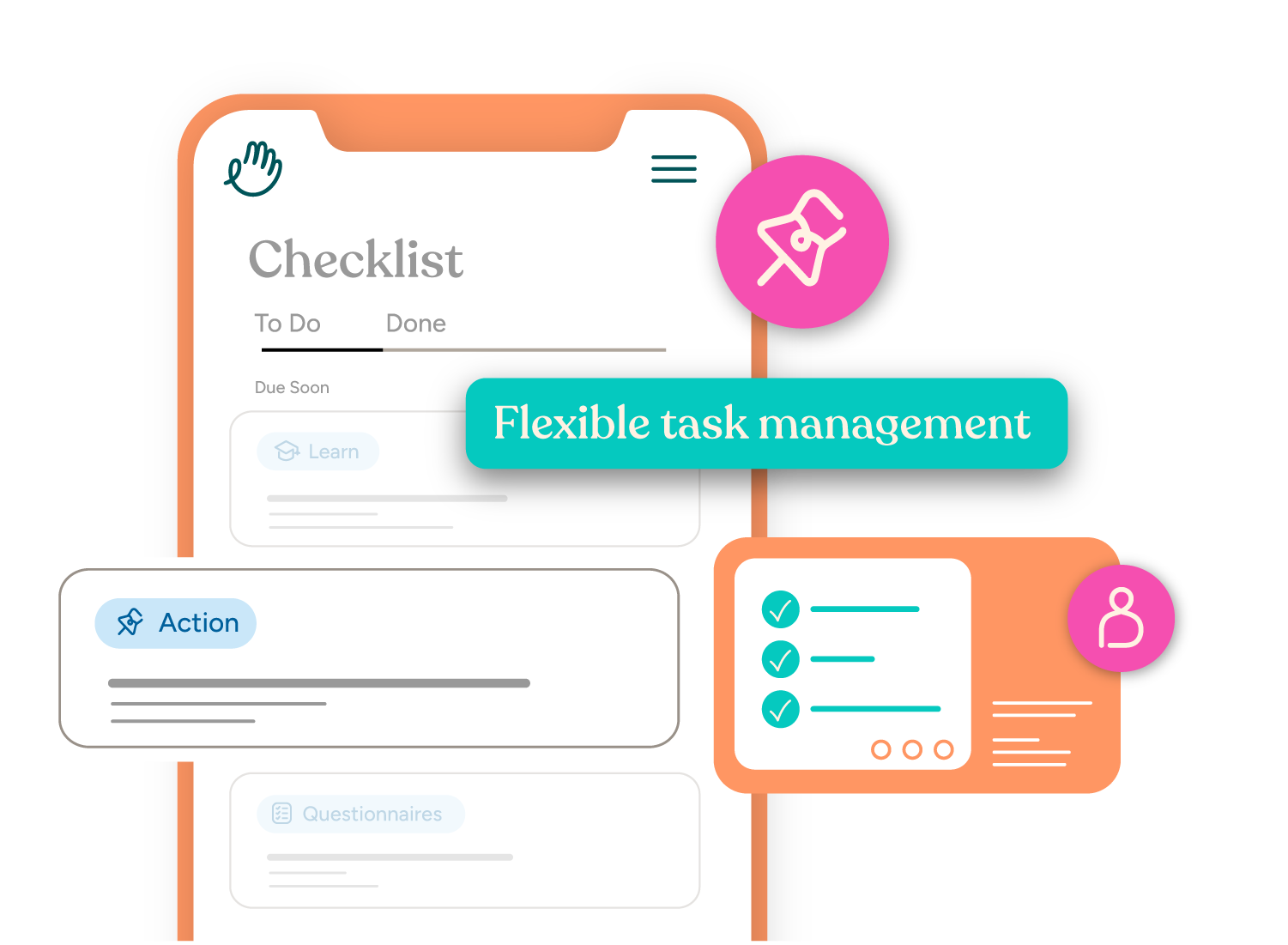
Keep patients on track by assigning tasks, delivering instructions and documents, connecting to external systems, and monitoring progress all within one platform.
How Actions work
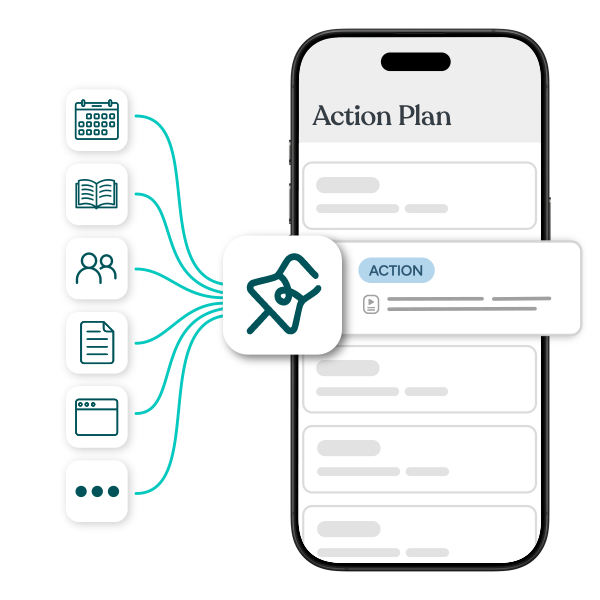
Actions are assigned to patients through the Navigate platform alongside other journey applications to turn all of your action items, resources, and services into actionable and trackable next steps.
Keep patients moving without the manual follow-up
Clear next steps for every patient
Assign Actions throughout the patient journey so patients always know what's done, what's next, and how to move forward.
One shared checklist across the care team
Nursing, financial counseling, care coordination, and front desk teams all manage Actions from the same checklist, creating a unified view across departments.
Closed-loop, real-time visibility
When patients complete and confirm an Action, the care team sees it in real time, creating a full audit trail and reducing manual follow-up.
Everything patients need to move forward, organized in one place
Actions gives patients one place to complete tasks, review instructions, access documents, and connect to every system they need throughout their care journey. For staff, it replaces fragmented coordination with structured, trackable workflows that scale across the entire practice.

Patient Task Assignment
Assign clear, trackable next steps directly within each patient's journey checklist.
Instructions & Document Delivery
Deliver preparation instructions, clinic policies, welcome materials, price sheets, care team introductions, and supporting documents exactly when patients need them.
External Systems & Tools
Connect patients directly to payment platforms, scheduling tools, partner resources, portals, forms, or any external system your practice relies on—all from one place.
Real-Time Completion & Audit Trail
Patients confirm when Actions are complete, giving staff real-time visibility and a complete record of what was assigned, completed, and when.
Reusable Action Library
Build Actions once and reuse them across journeys to standardize workflows, reduce duplication, and scale best practices across your organization.
One-Off Custom Actions
Create patient-specific Actions for unique situations without disrupting standardized journey templates.